
 EN
EN
 ar
ar bg
bg hr
hr cs
cs da
da nl
nl fi
fi fr
fr de
de el
el hi
hi it
it ko
ko no
no pl
pl pt
pt ro
ro ru
ru es
es sv
sv tl
tl iw
iw id
id lv
lv lt
lt sr
sr sk
sk sl
sl uk
uk vi
vi et
et hu
hu th
th tr
tr fa
fa ms
ms hy
hy ka
ka ur
ur bn
bn mn
mn ta
ta kk
kk uz
uz ku
ku
jointmeters
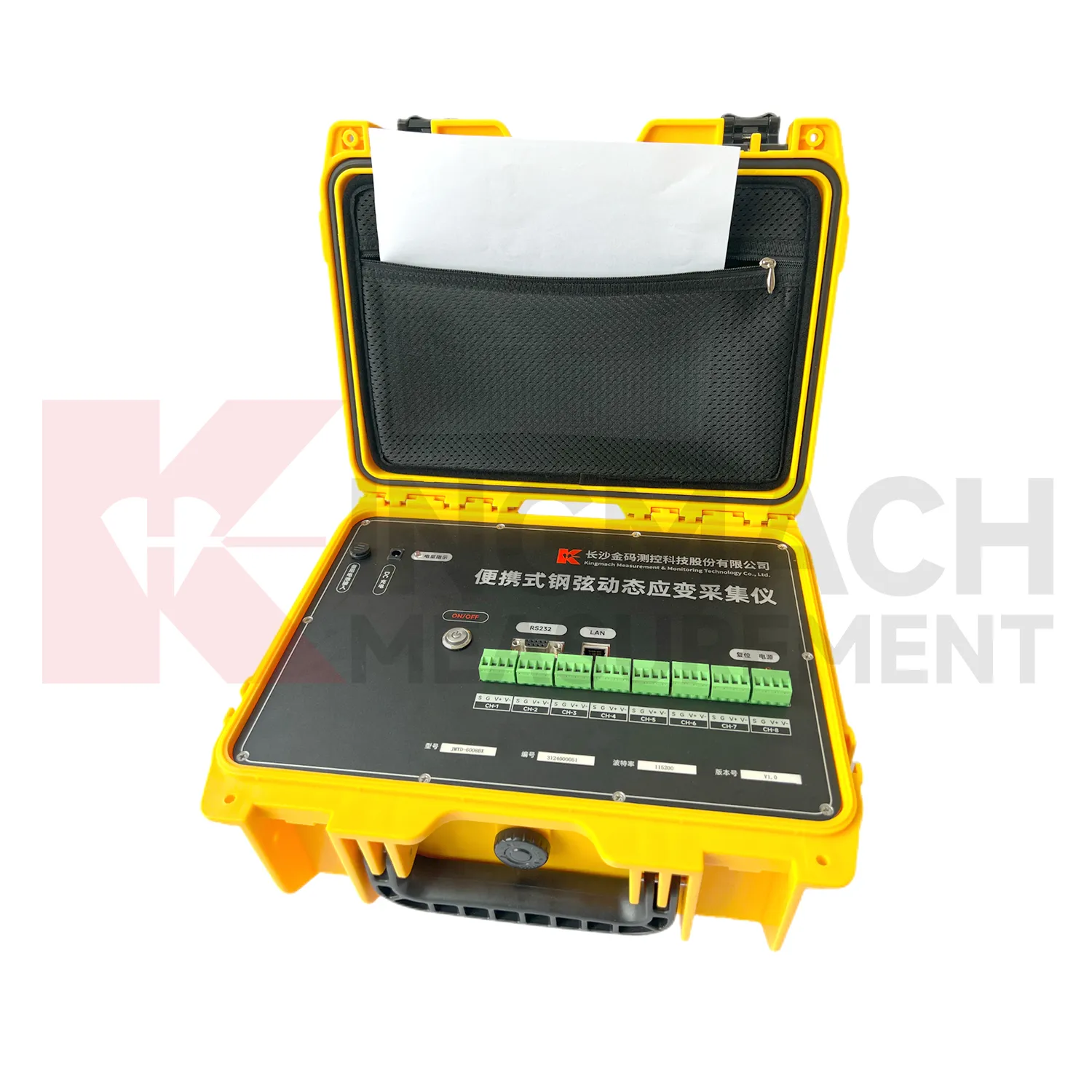
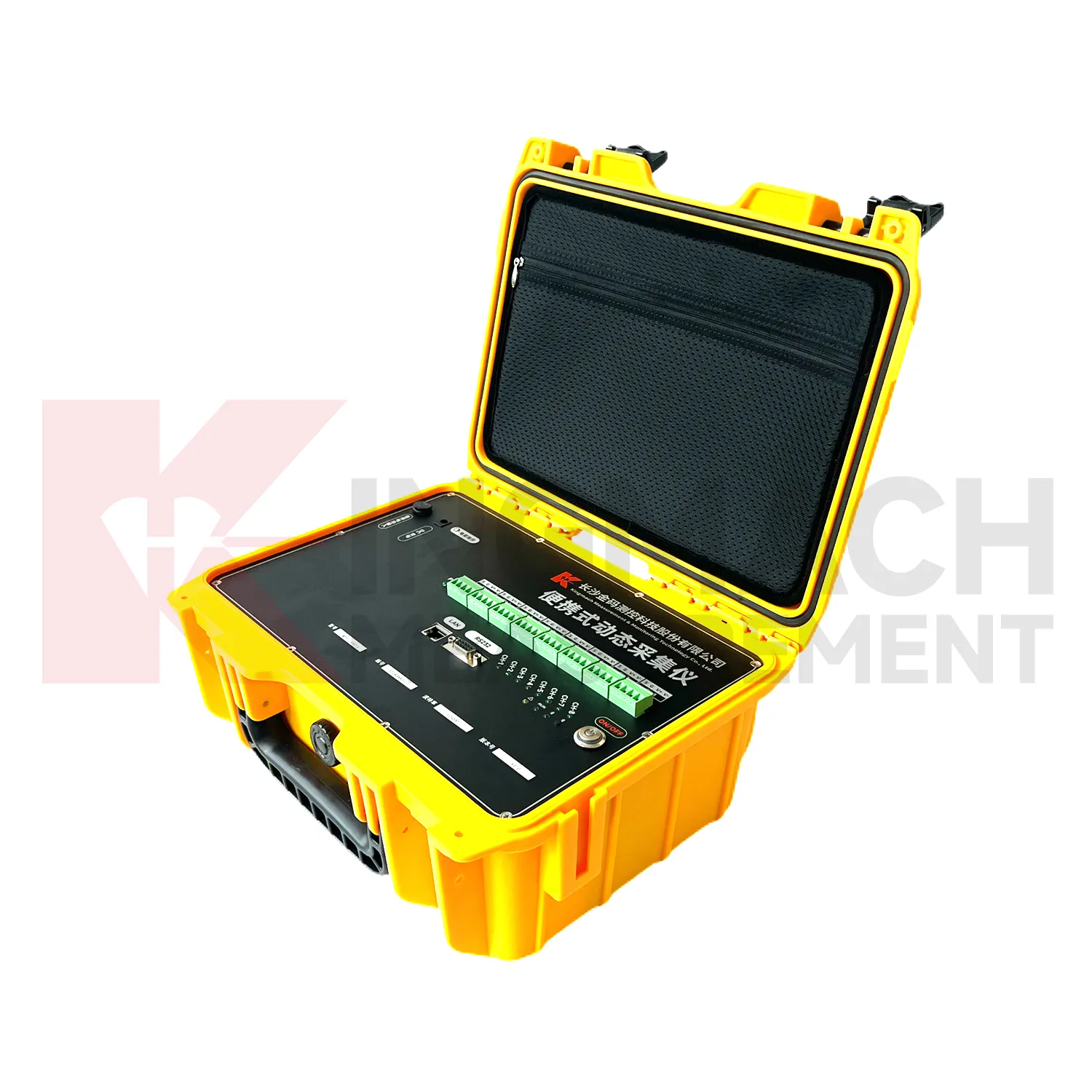
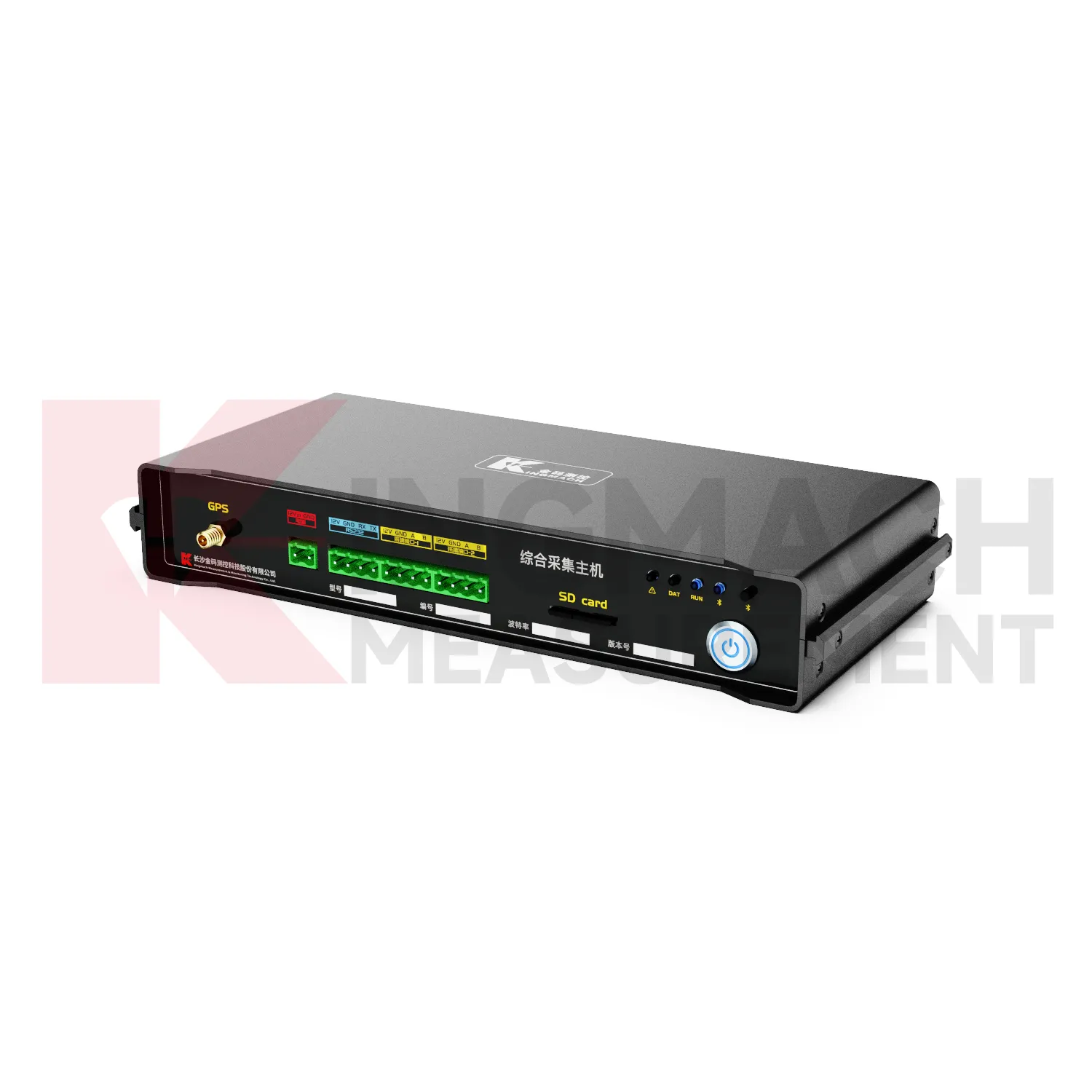
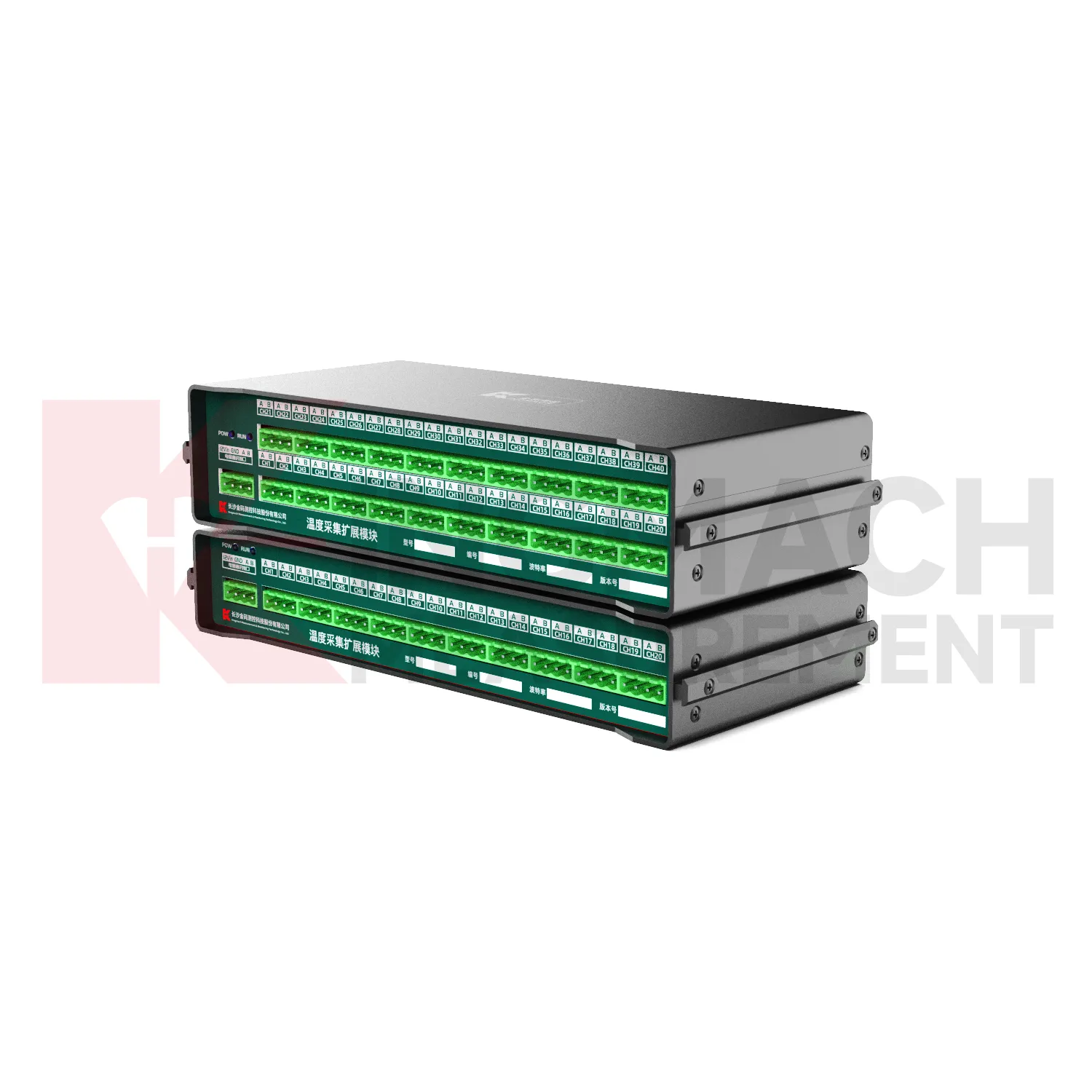
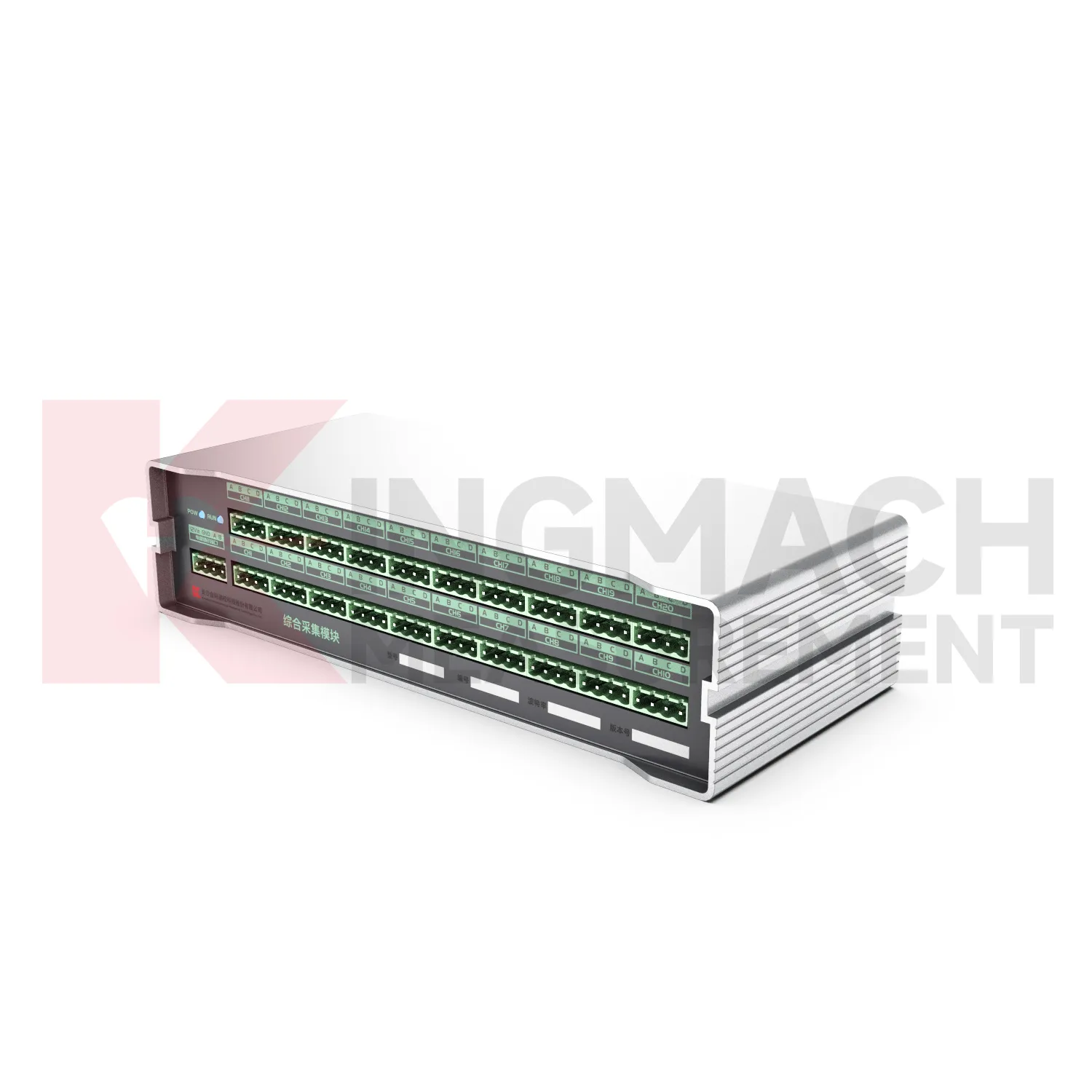
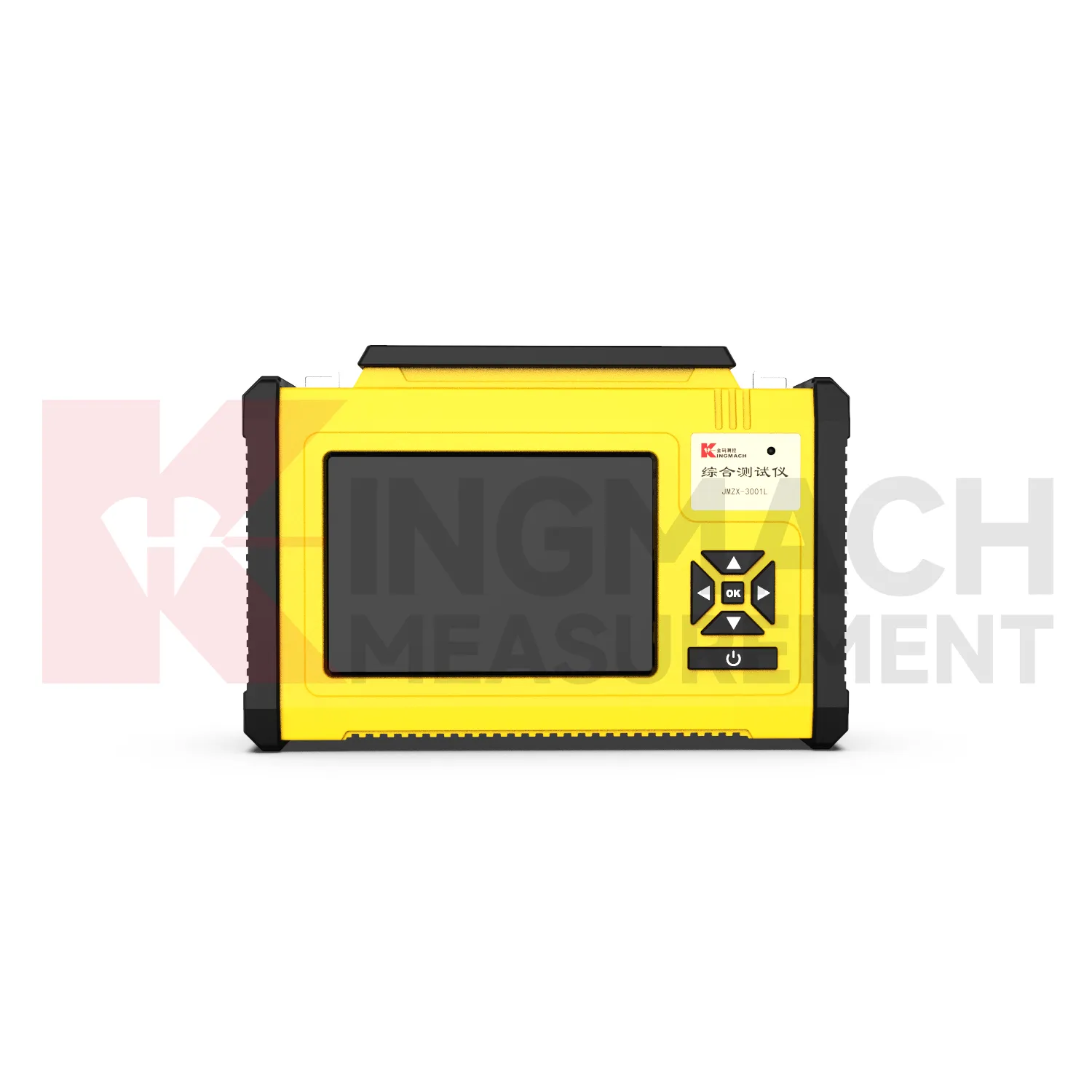
Kingmach jointmeters help owners avoid fragmented monitoring records. Without a clear acquisition device, one team may keep handheld readings, another may keep platform data, and a third may keep inspection notes. A better workflow connects the readout or logger with sensor location, acquisition interval, export method, and review responsibility. For vibrating wire sensors, a readout can support quick field confirmation and stored values. For RS485 digital sensors, a wireless logger can support timed acquisition and active upload. For dynamic signals, portable acquisition equipment can capture events that need faster sampling and synchronized channels. The result is a monitoring record that can be reviewed after the field crew leaves. Fragmentation is especially risky when a project has many structures, temporary work stages, or multiple contractors. The acquisition plan should define one naming logic for points and one method for exporting files. When inspection notes, logger records, and manual checks use the same location language, the owner can compare them without guesswork. This reduces reporting delays and makes abnormal readings easier to trace. It also helps when consultants, contractors, and owners need to review the same monitoring period with different responsibilities but a shared data source. during formal reporting. and audits. consistently.
Application of jointmeters
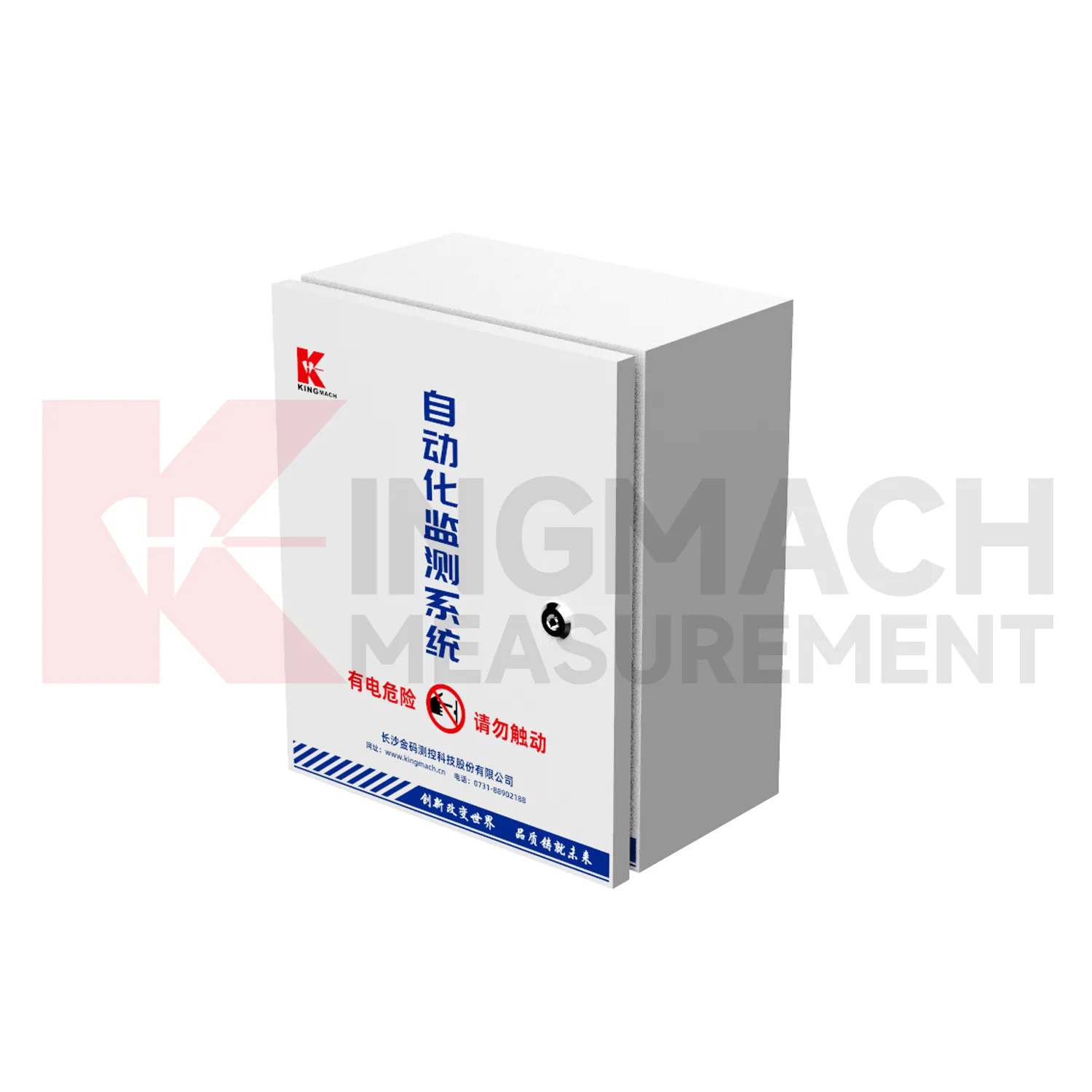
Temporary construction monitoring uses Kingmach jointmeters when sensor networks are installed for a limited period but still require reliable records. A foundation pit, bridge strengthening project, tunnel crossing, or demolition influence study may need readouts for commissioning and data loggers for daily acquisition. Temporary does not mean casual: point names, sensor lists, data intervals, and export methods should be defined before monitoring starts. Portable devices help crews move between points, while wireless or fixed devices help maintain continuity when the site is busy. A clean acquisition record helps contractors and owners discuss measured behavior with fewer disputes about timing or source. Temporary projects also need fast setup and clean removal. The acquisition device should make it clear which points are active, which have been removed, and which records belong to each work stage. When the project ends, exported files, baseline notes, and final readings should be saved together. This gives the owner a usable history even after temporary equipment leaves the site. It also helps project teams answer questions about what happened during a specific construction period, instead of relying on memory after the work is finished. during claims or handover review. with fewer disputes. after completion. clearly. for owners.
The future of jointmeters
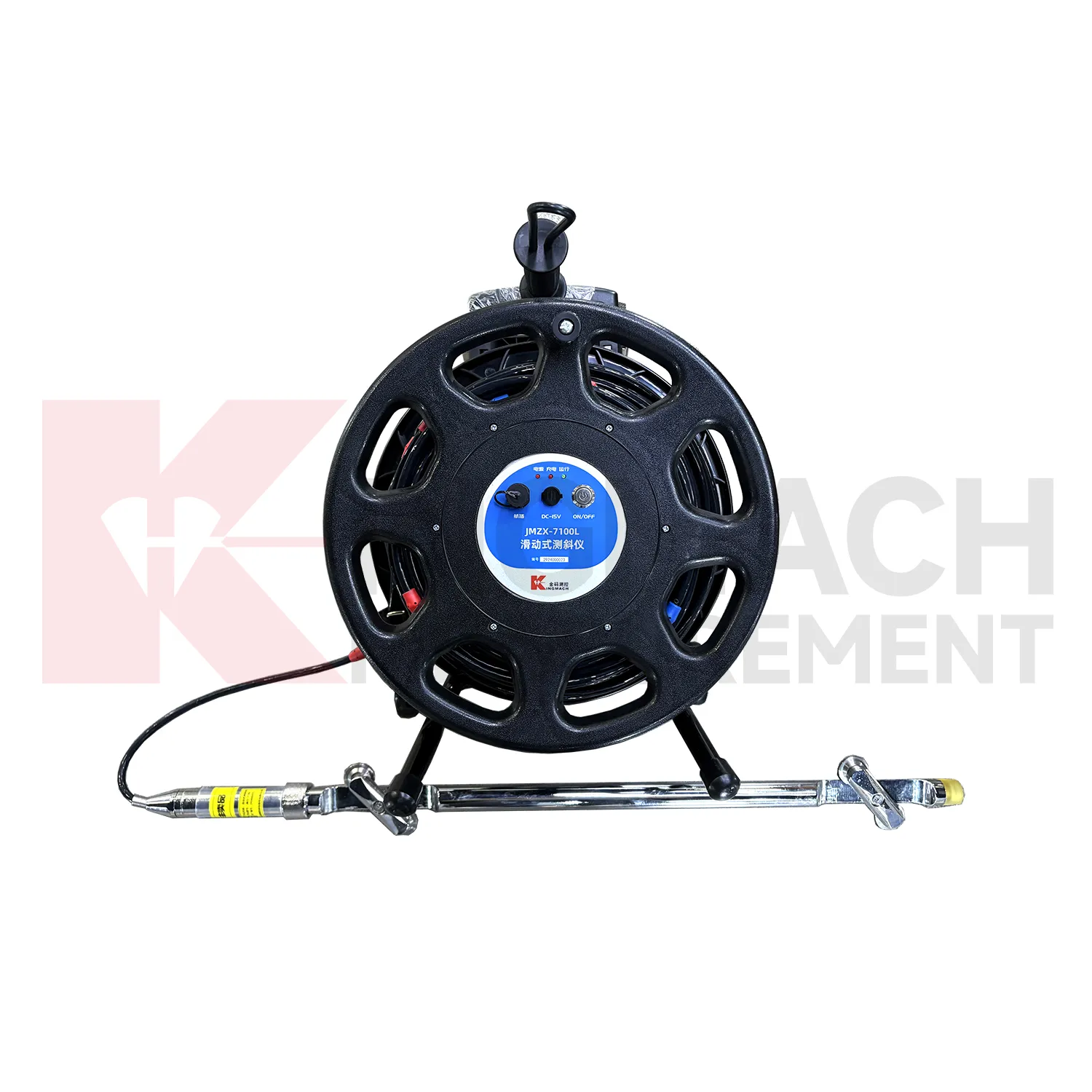
Future Kingmach jointmeters will support higher-quality event records for dynamic monitoring. Bridges, buildings, railway lines, tunnels, machinery foundations, and construction sites may need synchronized channels and clear event timing. Dynamic acquisition will become more useful when the waveform is stored with event name, channel identity, trigger condition, and related site activity. This allows reviewers to compare traffic, blasting, wind, machinery start-up, or impact events with the measured response. The next step is not simply faster acquisition; it is better event context. Future event records can also separate raw waveform storage from reviewed event summaries. Engineers may keep the full file for analysis while owners need a concise record of trigger time, sensor group, event source, and response level. That structure will make repeated events easier to compare without losing the original measurement. This is especially useful for railway passage, blasting review, machinery diagnosis, and bridge vibration testing. later. during review.
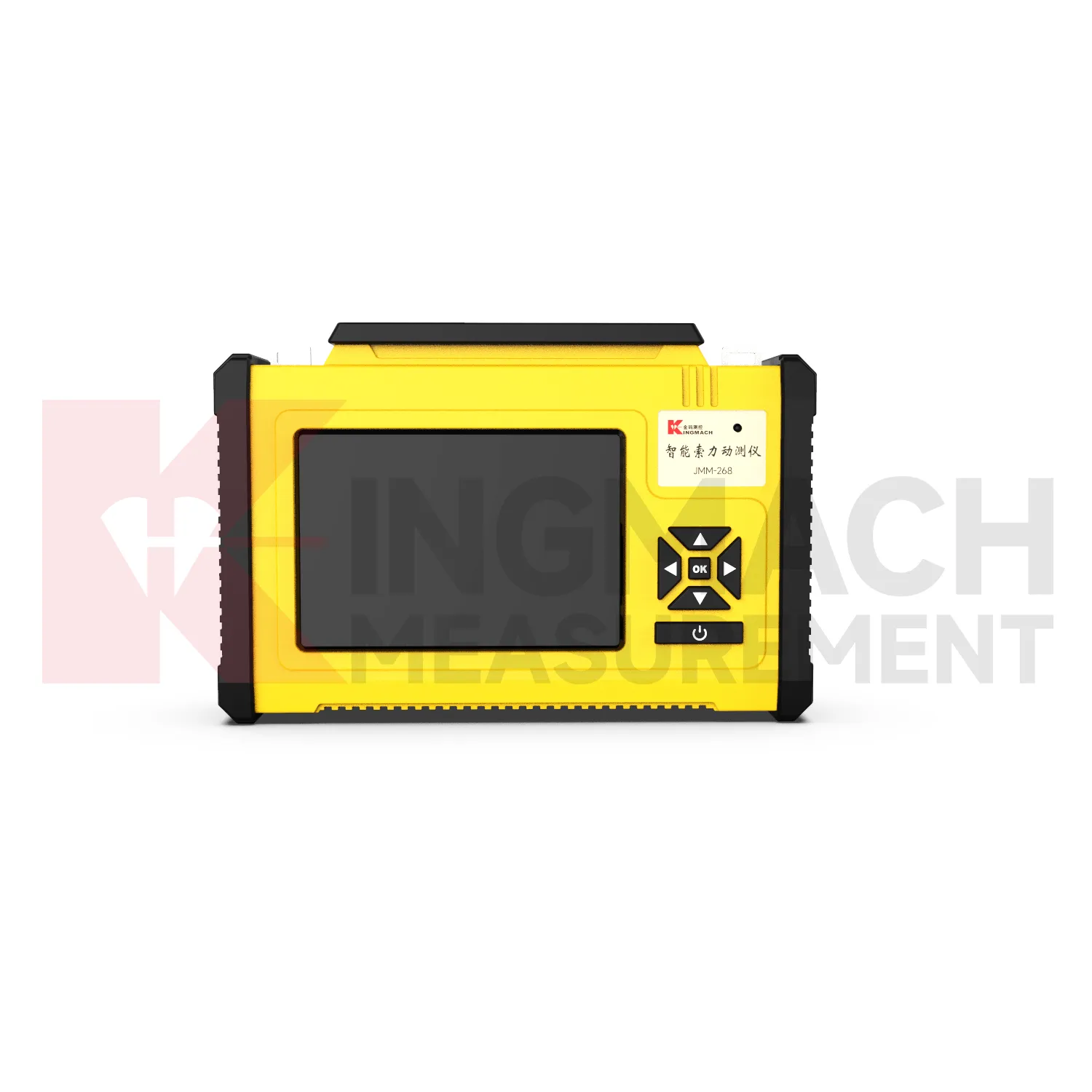
Care & Maintenance of jointmeters
Dynamic acquisition maintenance for Kingmach jointmeters should focus on timing, synchronization, and signal condition. Check channel connections, grounding, sampling settings, event names, trigger rules, and storage capacity before a test. Dynamic records are difficult to repeat when the event is train passage, blasting, impact, or machinery start-up. After the test, save raw data, event notes, sensor positions, and any abnormal site activity. This maintenance discipline helps engineers interpret the waveform and compare repeated events without uncertainty about the acquisition setup. Before the next test, review whether the previous event was captured cleanly. If a channel clipped, drifted, lost connection, or showed unexpected noise, correct the setup before relying on another event. Dynamic maintenance is therefore part of test quality, not only equipment care. The maintenance file should include sampling settings, trigger notes, cable condition, sensor mounting status, and storage location for raw files. These details help engineers repeat the test method later and compare event records under similar conditions.
Kingmach jointmeters
The role of Kingmach jointmeters is to keep measurement data accessible after the field work is finished. A reading that cannot be traced to a channel, time, sensor, or site condition loses much of its value. Portable readouts support immediate checking, while data loggers support continuity and remote access. When used well, they help owners see trends, compare events, verify maintenance actions, and prepare reports for construction or operation review. This category is especially important for projects where sensor networks remain in service after the original installation team has left. During handover, photos, channel maps, sensor lists, communication settings, and normal baseline examples help the next team continue review without rebuilding the monitoring history from scattered files. The record stays useful when point names, channel labels, sensor type, measurement time, and field condition are kept together, because later reviewers can connect the number with the actual structure and inspection history.
FAQ
Q: What are Readouts & Data Loggers used for?
A: They collect, display, store, and transfer sensor readings so engineering teams can review monitoring data from structural, geotechnical, and industrial projects.
Q: How are readouts different from data loggers?
A: Readouts are often used for field checking and portable measurement, while data loggers support automatic acquisition, scheduled records, and longer monitoring periods.
Q: Which sensors can be connected?
A: The category can support vibrating wire sensors, digital RS485 sensors, temperature points, dynamic signals, strain instruments, displacement sensors, tilt sensors, and other monitoring devices depending on the model.
Q: Why is channel naming important?
A: Clear channel names connect each reading with the correct sensor, location, structure, and review purpose, which prevents confusion during reporting and handover.
Q: What should be checked before purchase?
A: Buyers should define sensor type, channel count, acquisition interval, power supply, communication method, storage needs, site access, and reporting workflow.
Reviews
Ryan Lewis
Fast delivery and excellent product quality. The accelerometers and tiltmeters are highly reliable. Strongly recommend this company.
Daniel Brown
Excellent environmental monitoring sensors. The data is consistent, and the system integrates smoothly with our existing setup.
Latest Inquiries
To protect the privacy of our buyers, only public service email domains like Gmail, Yahoo, and MSN will be displayed. Additionally, only a limited portion of the inquiry content will be shown.
Emma***@gmail.comCanada
Dear Sir/Madam, we are interested in displacement transducers and settlement sensors for a geotechni...
Isabella***@gmail.comGermany
Hello, we are evaluating weir flow meters for a water management project. Please share accuracy deta...
Related product categories
- the readout
- best data loggers
- data loggers for sale
- best temperature data loggers
- cloud integration for data loggers
- data loggers for temperature
- data loggers temperature and humidity
- temp and humidity data loggers
- industrial data loggers
- data loggers for temperature and humidity
- Sliding Inclinometer
- inclinometer